
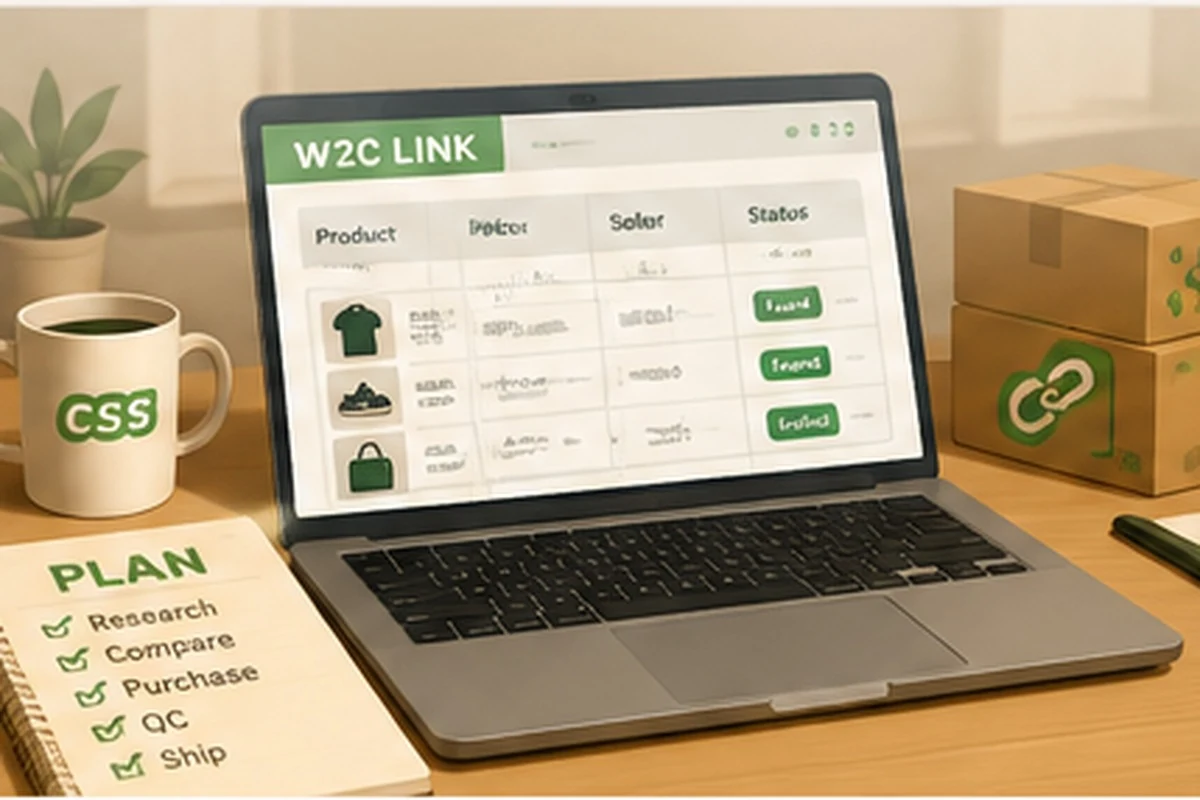
CSSBuy Spreadsheet Guide 2026: From W2C Link to Controlled Purchase
A spreadsheet is often presented as a shortcut: open a row, copy a link, buy the item. That description is convenient but incomplete. A useful CSSBuy spreadsheet is not a substitute for judgment; it is an intake system for a cross-border procurement project. Its real value is not the number of links it contains. Its value is the way it turns scattered product discoveries into a sequence of decisions that can be checked, priced, inspected, stored, and finally shipped.
CSSBuy’s official purchasing procedure is straightforward: choose a product, submit an order, pay, allow the agent to purchase it, wait for warehouse arrival and inspection, then select items for international delivery. The spreadsheet sits before and across those steps. It helps you decide which listing deserves entry into the workflow, but the live product page, warehouse evidence, and shipping calculation remain the sources of operational truth.
Start with a procurement question, not a product category
Most beginners begin with “I want sneakers” or “I want hoodies.” A better starting question is, “What function must this item perform, and what failure would make it useless?” For shoes, fit and outsole shape may matter more than packaging. For a winter jacket, filling, measurements, closure, and shipping volume may dominate. For a bag, internal dimensions and strap length can be decisive. This question defines the data you must collect from each spreadsheet row.
Create a short requirement card before browsing: target category, maximum item price, acceptable domestic freight, essential measurements, color, material expectations, return sensitivity, and estimated shipping burden. The card prevents the spreadsheet from becoming an entertainment feed. You are no longer saving everything that looks interesting; you are screening candidates against a job description.
Treat every row as a lead that must be requalified
Chinese marketplace listings change quickly. A seller can replace images, alter options, adjust domestic shipping, remove a size, or close a listing while the spreadsheet still shows an older snapshot. Therefore, open the original link and verify the current title, price, selected variant, seller information, minimum quantity, domestic delivery charge, and whether the page still describes the same item.
This is especially important for links from 1688, which often reflects wholesale conventions. CSSBuy’s official Buy For Me page notes that 1688 purchases follow a different quality-control standard. A low unit price may depend on buying multiple pieces, selecting a specific variation, or accepting factory packaging. Read the option structure rather than assuming the spreadsheet’s headline price is the payable price.
Add a “verified on” date to your own working copy. A link verified this week is more useful than a link saved six months ago, even if both still open. When a listing changes materially, do not quietly edit the old record; mark it as changed so you know that previous QC examples may belong to a different batch.
Separate discovery data from transaction data
A strong spreadsheet has two layers. Discovery data helps you browse: category, image, seller, style, price range, and notes. Transaction data supports a purchase: exact URL, selected option, quantity, domestic freight, order remarks, estimated weight, and the date checked. Mixing these layers creates errors because a visually attractive row looks “ready” even when the exact variant is undefined.
Use explicit statuses such as Researching, Verified, Ordered, Seller Purchased, Domestic Transit, In Warehouse, QC Hold, Return Requested, Ready to Ship, and Shipped. These mirror the real movement of an agent order better than a single checkbox. The status also tells you what action is possible. A listing under research can be replaced freely. An item already in the warehouse requires a QC or return decision. A submitted parcel has moved beyond product-level correction.
Calculate landed-cost exposure before you buy
CSSBuy’s official fee explanation describes total cost as product price plus China freight, international freight, and service fee. That formula should appear in your spreadsheet. The product’s marketplace price is only the first component. A low-cost item can become inefficient when it has high domestic delivery, large volume, optional inspection requirements, and a poor share of international freight.
Do not invent a single shipping price per item before the parcel exists. Use a planning range. Record seller weight when available, then classify the item as compact, compressible, rigid, fragile, liquid, battery-related, or unusually long. These traits affect route eligibility and chargeable weight. A heavy compact belt and a light oversized puffer create different shipping problems.
CSSBuy publishes membership service-fee tiers of 5% for Gold, 4% for Platinum, and 3% for Diamond. Treat these as official tier figures, not as a promise that every user or transaction will be charged one of them without other conditions. Record the tier shown in your account and verify the current checkout calculation. Policies and membership benefits can change.
Write order remarks as operational instructions
A spreadsheet note such as “blue, medium” is not enough when a listing contains several similar options. Copy the exact Chinese or seller option text where practical, include the size and color, and state any agreed seller code or essential requirement. Avoid long essays. The best remark is short, unambiguous, and testable by the purchasing agent.
Separate “purchase instruction” from “QC instruction.” The first tells the buyer what to order. The second tells the warehouse what evidence matters after arrival. For example: purchase instruction, “Select color 03, size XL, one piece.” QC instruction, “Please confirm chest width and photograph the front print straight on.” This division reduces ambiguity and makes the later inspection more efficient.
Use W2C links as sources, not endorsements
W2C means “Where To Cop.” In community use, it identifies the source link for an item. The phrase says nothing about current stock, seller reliability, batch quality, legality, or whether the listing matches the photograph that attracted you. A W2C row should contain a source field and a verification field. The source records where you found it; verification records what you confirmed yourself.
When several rows point to similar products, compare them through a controlled shortlist. Use the same columns for every candidate: current price, domestic freight, sales history where visible, return conditions, size information, seller response, recent QC evidence, and estimated shipping burden. Then choose a listing for a reason you can explain. “It looked popular” is not a procurement reason.
Turn warehouse storage into a consolidation calendar
CSSBuy currently advertises 90 days of free warehouse storage, following its announcement that free storage was reduced from 180 days to 90 days from June 1, 2024. A spreadsheet can convert that allowance into a calendar. Record warehouse arrival date, seller return deadline, QC completion date, and intended parcel group. Use color warnings well before storage expiry.
The warehouse is not a long-term archive. Its value is consolidation: waiting for related orders, resolving problems, and designing a parcel. Group items by destination, urgency, shipping restrictions, and packing compatibility. A fragrance item, electronic accessory, rigid shoe box, and soft clothing may not belong in the same route even if they were bought in the same week.
Create parcel scenarios before clicking submit
CSSBuy’s official workflow explains that the international shipping deposit is based on estimated weight, selected method, and destination. The final charge is calculated after the shipping company verifies package size and weight, and a difference may be returned to the CSSBuy account after dispatch. Your spreadsheet should therefore distinguish estimated freight, deposit paid, final freight, and refund difference.
Build at least two parcel scenarios. Scenario A might preserve boxes and use reinforcement. Scenario B might remove packaging and vacuum-pack clothing. Compare likely volume, protection, line availability, and total risk. CSSBuy lists optional services including packaging removal, reinforcement, vacuum packaging, label cutting, and insurance. These are not decorative add-ons; they alter parcel architecture.
Maintain an exception log
The most valuable spreadsheet column is often “What went wrong?” Record dead links, seller cancellations, wrong variants, measurement differences, return friction, unexpected domestic freight, route restrictions, and final shipping adjustments. After several hauls, the log becomes your private operating manual. It shows which categories create the most delays and which sellers or assumptions deserve less trust.
Do not delete failed rows. Archive them with a reason. Otherwise, you may rediscover the same attractive but unsuitable listing months later and repeat the mistake. High-quality research accumulates negative knowledge as well as successful links.
A practical spreadsheet structure
- Discovery: item name, category, image, original source, and W2C URL.
- Verification: live price, option, seller, domestic freight, date checked, and listing status.
- Purchase: quantity, remarks, payment, order number, and service-fee tier shown.
- Warehouse: arrival date, actual weight, QC status, measurements, and return deadline.
- Parcel: group number, packing plan, route candidates, deposit, final charge, and tracking.
- Learning: issue, resolution, seller outcome, and whether you would buy again.
Frequently asked questions
Does a spreadsheet guarantee product quality?
No. It organizes discovery and research. Quality must still be evaluated through the live listing, seller information, warehouse inspection, measurements, and your own acceptance criteria.
How often should product links be checked?
Check every link immediately before ordering and record the date. Recheck if the order is delayed or the seller changes an option.
Should I sort by the lowest item price?
Not by price alone. Compare domestic freight, minimum quantity, return conditions, estimated shipping burden, and the cost of a failed purchase.
What is the best use of community QC photos?
Use them to identify possible batch characteristics and inspection points. They do not guarantee that your order will come from the same batch.
Can I store everything for 90 days and decide later?
You may have up to 90 days of free storage under the current published policy, but seller return windows can be much shorter. Inspect and resolve problems promptly.
How should I record service fees?
Record the percentage and amount displayed at checkout, together with your membership tier. Do not assume a historical rate will remain unchanged.
Why keep failed products in the sheet?
The failure reason prevents repeated mistakes and reveals patterns in sellers, categories, sizing, and shipping restrictions.
What makes a spreadsheet genuinely useful?
It connects product discovery to decisions: verify, purchase, inspect, consolidate, ship, and learn. A large list without that workflow is only a catalog.
Editorial note: This guide was fact-checked against CSSBuy’s official purchasing procedure, Buy For Me workflow, fee explanation, membership table, warehouse notice, Ship For Me page, and shipping-payment guidance in July 2026. Live listings, fees, storage rules, routes, and service options can change; verify the current platform before purchasing.